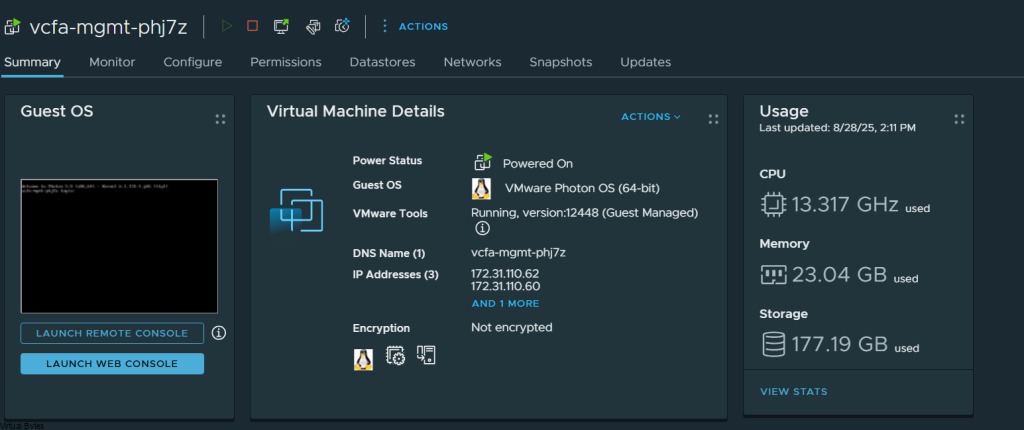
I’ve noticed high CPU usage with my VCF 9 Automation for the past few weeks. The automation appliance was causing the Distributed Resource Scheduler (DRS) to allocate a dedicated physical server solely for VCF Automation. I’ve also heard from William Lam and several other attendees at VMware Explore 2025 that they were experiencing the same issue.
Walkthrough: Resolving High CPU Usage in VCF 9 Automation
SSH Access: Connect to your VCF Automation appliance using the vmware-system-user account.
Identify CPU-Intensive Pod: Run the following command to identify the pod consuming the most CPU:
kubectl top pods -n prelude --sort-by=cpu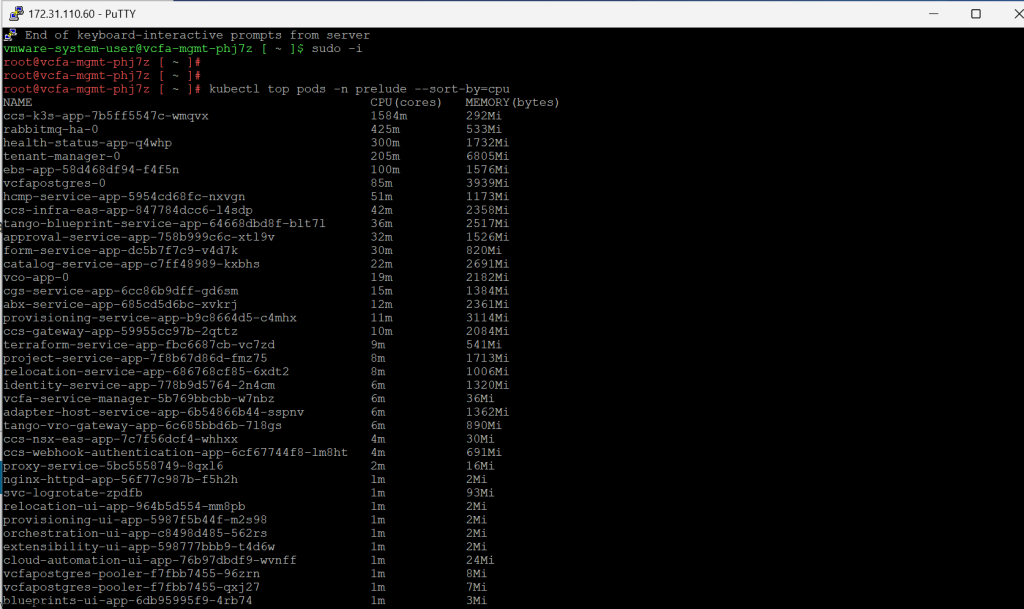
Check Pod Logs: Execute the following command to view the logs of the identified pod. This will likely reveal the root cause of the high CPU usage:
kubectl -n prelude logs $(kubectl -n prelude get pods -o name | grep ^pod/ccs-k3s-app | head -n1) --tail=1
(Note: The logs should indicate the API Service repeatedly attempting to connect to a service that is unavailable.)
Restart the Pod: Delete the problematic pod to trigger its automatic recreation. This will hopefully resolve the issue:
kubectl -n prelude delete $(kubectl -n prelude get pods -o name | grep ^pod/ccs-k3s-app | head -n1)
Verification: Monitor CPU usage after deleting the pod. It should decrease from the previously observed high levels (example mine was ~38GHz).