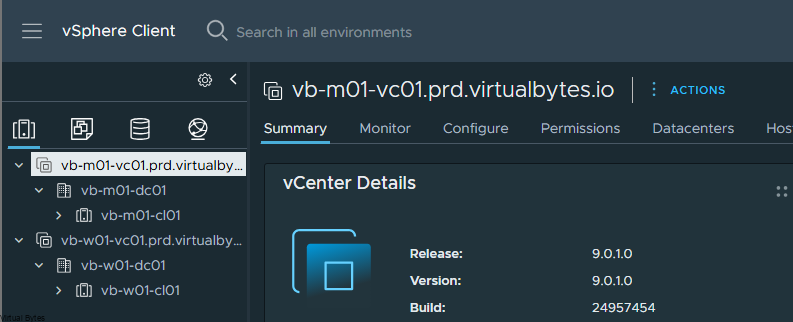
During this VCF 9.0.1 deployment, I observed that logging in with my Active Directory-driven SSO account did not display the linked vCenter instances when using my AD credentials. Instead, the system logged me in with my AD account and displayed the Management Domain vCenter and its infrastructure, but not the Workload Domain vCenter and its infrastructure. This behavior suggests a potential bug where permissions are not being propagated to the workload domains when they share the same SSO platform.
Procedure:
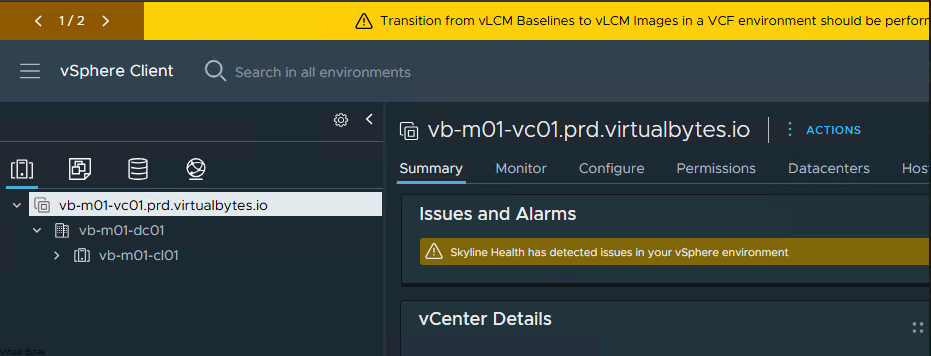
Below is a snippet after I logged in with my Domain Account with SSO.
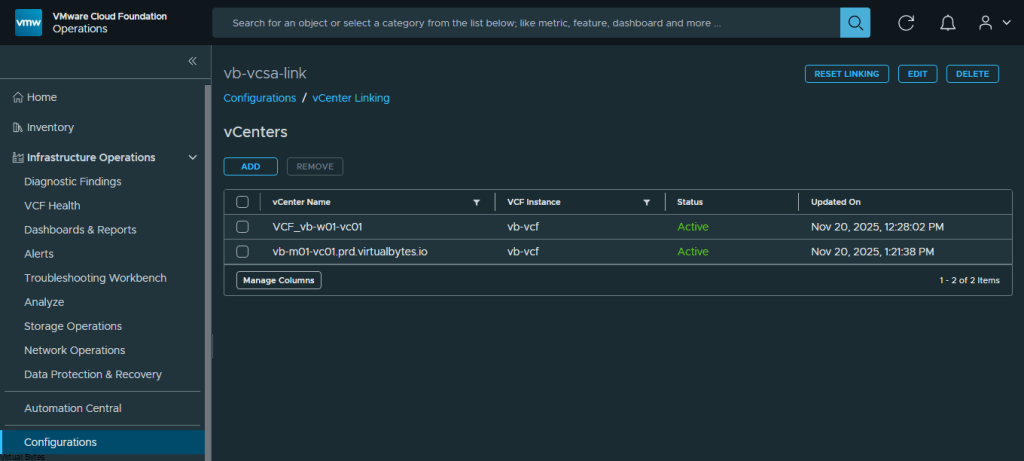
Once you have created your vCSA Link make sure they both show ACTIVE if you encounter an Error, delete and re-create.
After you get vCenter’s Linked, log back into the workload domain vCenter as [email protected]
Go to – Single Sign On -> Users and Groups -> Groups – Edit Administrators.
Add your SSO/AD Account or AD group into the Administrator group.
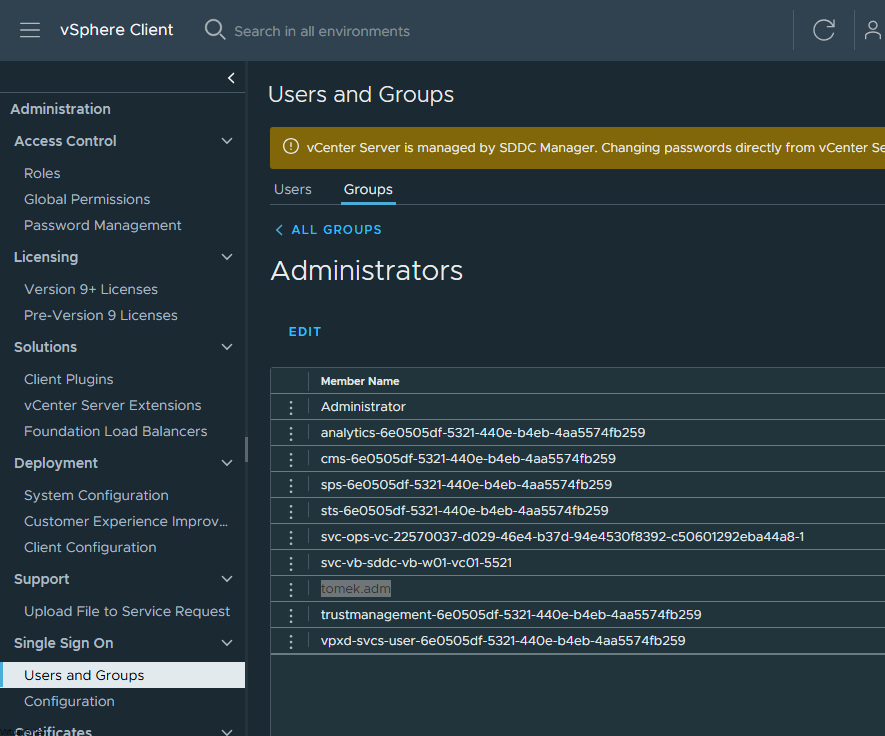
After adding the vCenter, log out of [email protected] and log in with your SSO account, you should then see the linked vCenter.