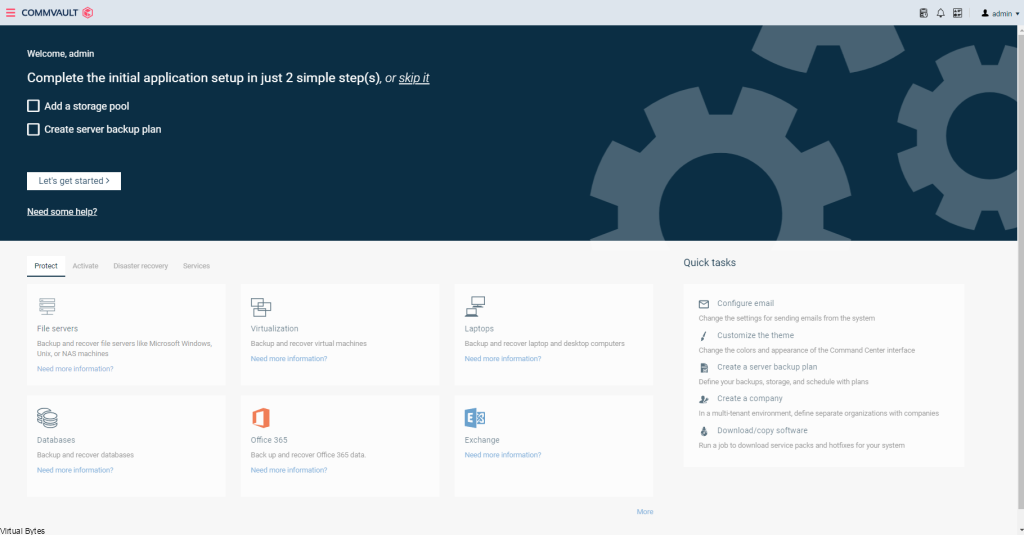
Today’s Topic! Deploying Commvault, – Commvault is my most favorite Disaster Recovery Solution, it has so many features and many awesome features that are just simple to use and secure!
Simple, comprehensive backup and archiving
- Comprehensive workload coverage (files, apps, databases, virtual, containers, cloud) from a single extensible platform and user interface
- High-performance backups via storage integrations
- Automated tiering for long-term retention and archiving
Trusted recovery, ransomware protection, and security
- Rapid, granular recovery of data and applications, including instant recovery of virtual machines
- Built-in ransomware protection including anomaly detection and reporting
- End-to-end encryption, including data-at-rest and data-in-flight encryption, to ensure your data is secure
More information Visit Commvault’s Website here!
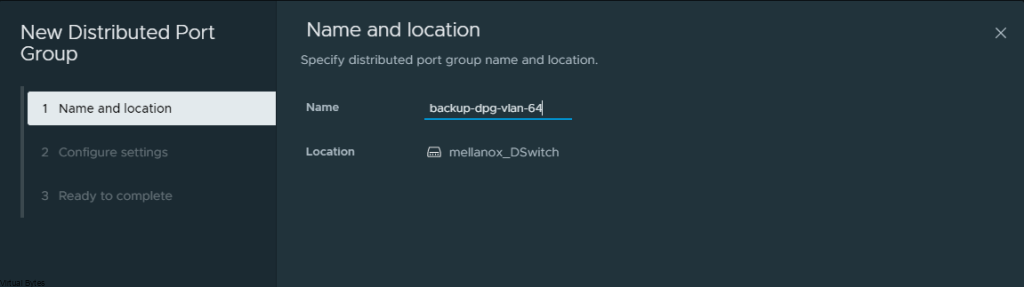
First we will setup a dedicated VLAN for our Commvault CommCell. This will be a multi-part post where first we install and deploy a virtual machine and deploy Commvault,
Prepare a dedicated network for backups


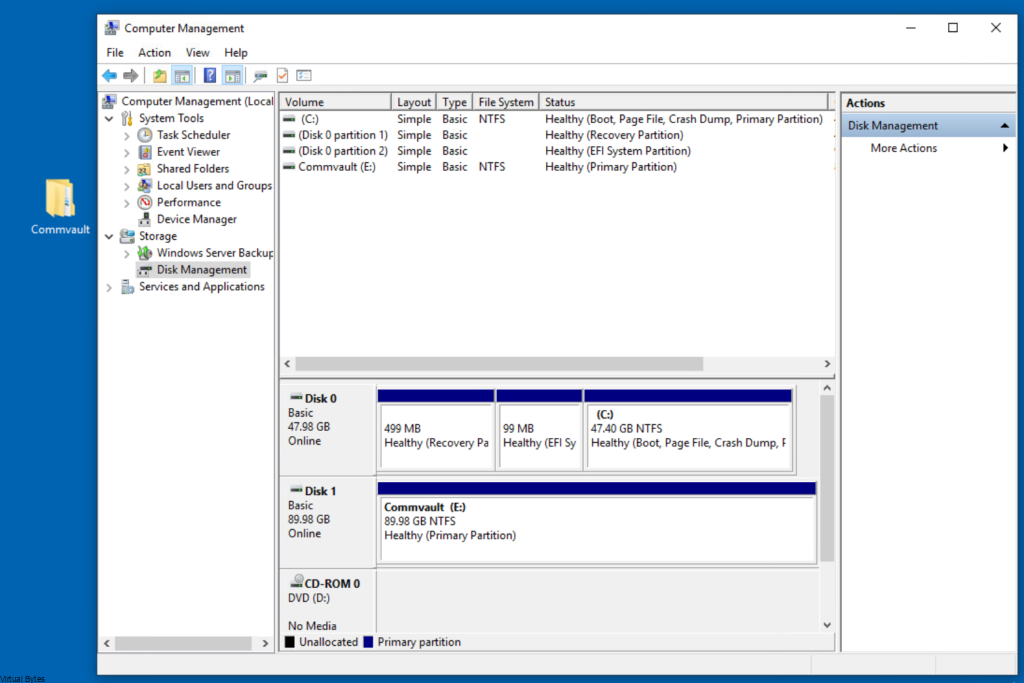


Once, installation is complete you will be able to login to your Comm Cell via web UI.